Deleting a Study
Role: Core Administrators
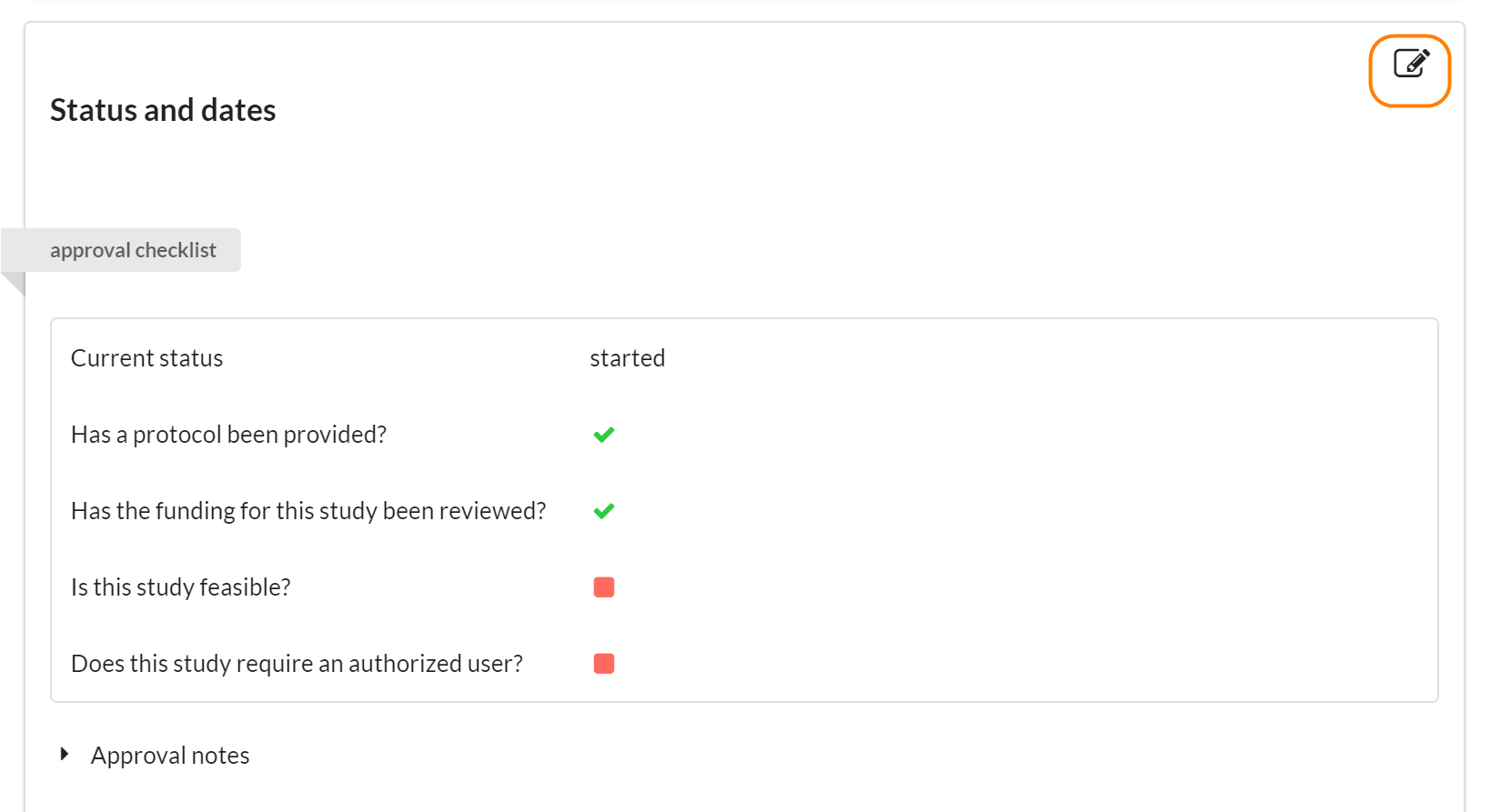
If you need to delete a study, click the pencil edit icon in the Status and Dates section.
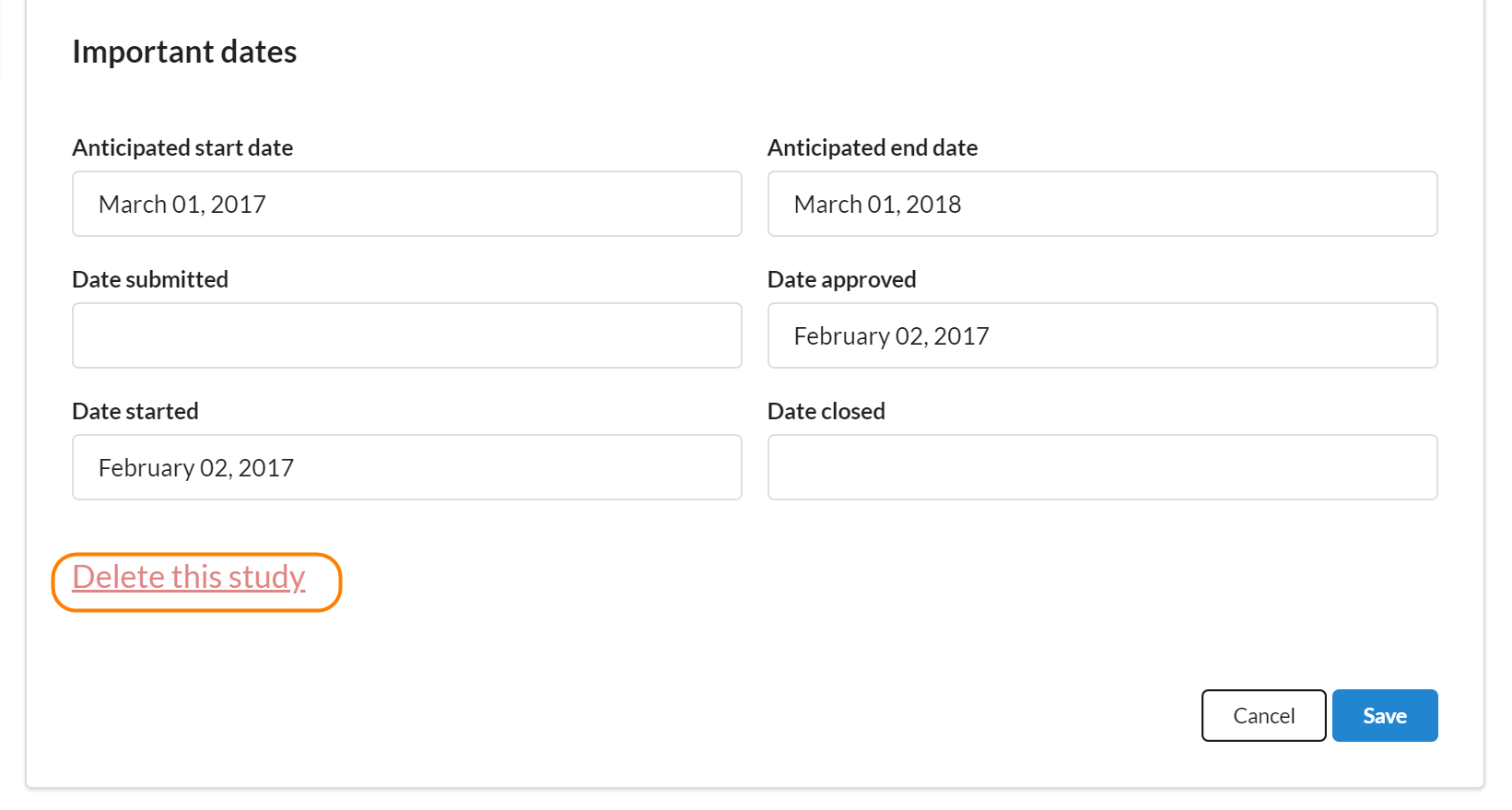
Scroll to the bottom of the section and click on Delete this study.
Role: Core Administrators
If you need to delete a study, click the pencil edit icon in the Status and Dates section.
Scroll to the bottom of the section and click on Delete this study.